From Product Photo to Video Ad in 5 Minutes: A Step-by-Step Guide
Learn how to turn your existing product photos into professional video ads in just 5 minutes using BrandReel. No editing skills needed.
From Product Photo to Video Ad in 5 Minutes: A Step-by-Step Guide
You have product photos. You need video ads.
The old way: hire a videographer, wait two weeks, pay $500-2,000, get one video, realize you need changes, wait another week.
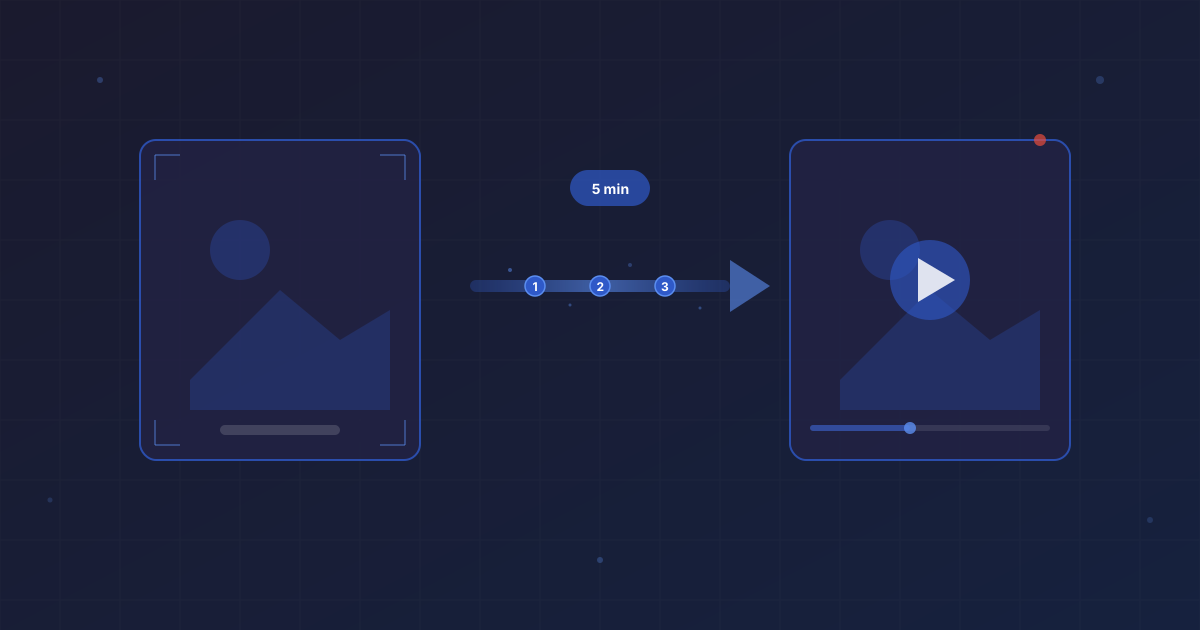
The new way: upload your photos, let AI do the heavy lifting, download your video. Five minutes, start to finish.
This is a step-by-step walkthrough of how to go from a static product image to a ready-to-run video ad using BrandReel. No video editing experience needed.
Before You Start: What You'll Need
- 2-5 product photos (the higher quality, the better)
- Your brand colors and logo (optional but recommended)
- A BrandReel account (free to start)
- 5 minutes
That's it. No fancy software. No editing skills. No creative brief that takes longer to write than the video takes to make.
Step 1: Choose Your Best Product Photos (1 Minute)
Not all product photos are created equal. For the best video output, pick images that are:
Sharp and well-lit. Blurry photos make blurry videos. If you shot your products with decent lighting on a clean background, you're good.
Multiple angles. Front, side, detail shot — variety gives the AI more to work with. The more angles you provide, the more dynamic your video will feel.
High resolution. Aim for at least 1000x1000 pixels. Most phone photos are way higher than this, so you're probably fine.
Pro tip: If your product photos are on a white background, that's actually ideal. It gives the AI the most flexibility to create different scenes and backgrounds.
Don't have great product photos? Even decent smartphone shots work. Lay your product on a clean surface, shoot near a window for natural light, and take 4-5 angles. Ten minutes of photography sets you up for unlimited video content.
Step 2: Upload to BrandReel (30 Seconds)
Head to brandreel.com and start a new project.
Upload your product photos. You can drag and drop multiple images at once.
The platform will analyze your images and prepare them for video generation. This happens in seconds.
Step 3: Set Your Brand Style (1 Minute)
This is where your video goes from generic to on-brand.
Colors: Enter your brand colors (hex codes if you have them, or pick from the color picker).
Logo: Upload your logo. BrandReel will integrate it naturally — no giant watermarks, just clean brand presence.
Font: Choose a font that matches your brand. There's a library of options, or you can upload your own.
Tone: Select the vibe you're going for. Clean and minimal? Bold and energetic? Warm and friendly? This affects the transitions, pacing, and overall feel.
If you've already set up your brand profile, this step is automatic. Your settings carry over to every new video.
Step 4: Generate Your Video (1-2 Minutes)
Hit generate and let the AI work.
Behind the scenes, BrandReel is:
- Analyzing your product images
- Creating smooth transitions and motion
- Adding dynamic text overlays
- Applying your brand styling
- Rendering in your chosen format
You'll get a preview in about 30-60 seconds. For most products, the first result is good enough to use. But you have options:
Regenerate if the overall direction isn't right. Each generation gives you a slightly different result.
Edit specific elements if you want to change text, timing, or transitions.
Generate variations if you want multiple versions for A/B testing (more on this in a second).
Step 5: Download and Deploy (30 Seconds)
Happy with your video? Download it in the format you need:
- 9:16 for Instagram Reels, TikTok, Stories
- 1:1 for Instagram feed, Facebook
- 16:9 for YouTube, website, email
You can download all three formats from the same project. No re-editing needed.
Then upload directly to your ad platform or social media scheduler.
What to Do With Your New Video Ad
Creating the video is step one. Here's how to get the most out of it:
Run It as a Paid Ad
The most direct use case. Upload to Meta Ads Manager, TikTok Ads, or Google Ads.
Quick tip for ad performance:
- Test at least 3 variations of the same ad (different hooks, different visuals)
- Start with a small budget ($10-20/day)
- Let it run for 3-5 days before judging performance
- Kill underperformers, scale winners
With BrandReel, generating those 3 variations takes the same amount of time as generating one. This is where AI tools really pay for themselves — the cost of testing drops to nearly zero.
Add It to Your Product Page
Product page videos increase conversion rates. It's that simple.
Put your video above the fold, near the "Add to Cart" button. Auto-play it on mute with captions. Let customers see your product in motion without leaving the page.
Use It in Email Campaigns
Video thumbnails in emails can increase click-through rates by 65%. You can't embed video directly in most email clients, but you can:
- Use a GIF preview that links to the video
- Use a static thumbnail with a play button overlay
- Link to a landing page with the video
Post It Organically on Social
Not every video needs an ad budget behind it. Post your product videos organically too:
- Share it as a Reel or TikTok
- Add it to your Stories
- Pin it to the top of your profile
Getting Better Results: Tips From Power Users
After watching thousands of videos get created on BrandReel, here are patterns I've noticed from the best-performing content:
Start with the product, not the logo. Your first frame should show the product or grab attention. Save the branding for the end.
Keep it short. 15-30 seconds is the sweet spot for ads. You can always create longer versions for product pages.
Use text overlays. 85% of social media videos are watched without sound. If your message relies on audio, you're missing most of your audience.
Match the platform. A TikTok ad should feel different from a YouTube pre-roll. Use the platform-specific formats and adjust the energy level accordingly.
Test more than you think you should. The winning creative is almost never the one you'd predict. Generate multiple versions and let the data decide.
The Math That Makes This Make Sense
Let's do some quick numbers.
Traditional video production:
- Photographer/videographer: $500-2,000
- Editing: $200-500
- Revisions: $100-300
- Timeline: 1-3 weeks
- Output: 1-3 videos
AI-generated video:
- BrandReel subscription: starts at a fraction of traditional costs
- Timeline: 5 minutes
- Output: unlimited variations
Even if you use traditional production for your hero content (and you should, for major campaigns), AI handles the high-volume, day-to-day content that keeps your brand visible.
Start Now, Not Later
The best time to start creating video content was a year ago. The second best time is right now.
You already have product photos. You already know your brand. The only thing standing between you and your first video ad is five minutes.
Go make something.